

ONE:
Important:
BOOKMARK THE
SITE LINK
TWO:
Don't miss the updates!
Join our growing
TELEGRAM COMMUNITIES
THREE:
Don't feel overwhelmed!
It may look like a lot because I wanna make sure every penny you spent is WORTH IT!
FOUR:
READ THE INSTRUCTIONS BELOW:
Create a
if you don’t have one yet.
Click the buttons below and make a copy of all the provided Canva templates.
📌 Tip: Save them as templates so your future buyers can easily duplicate and use them. Make sure to follow the instructions provided.
(MAKE IT YOURS)
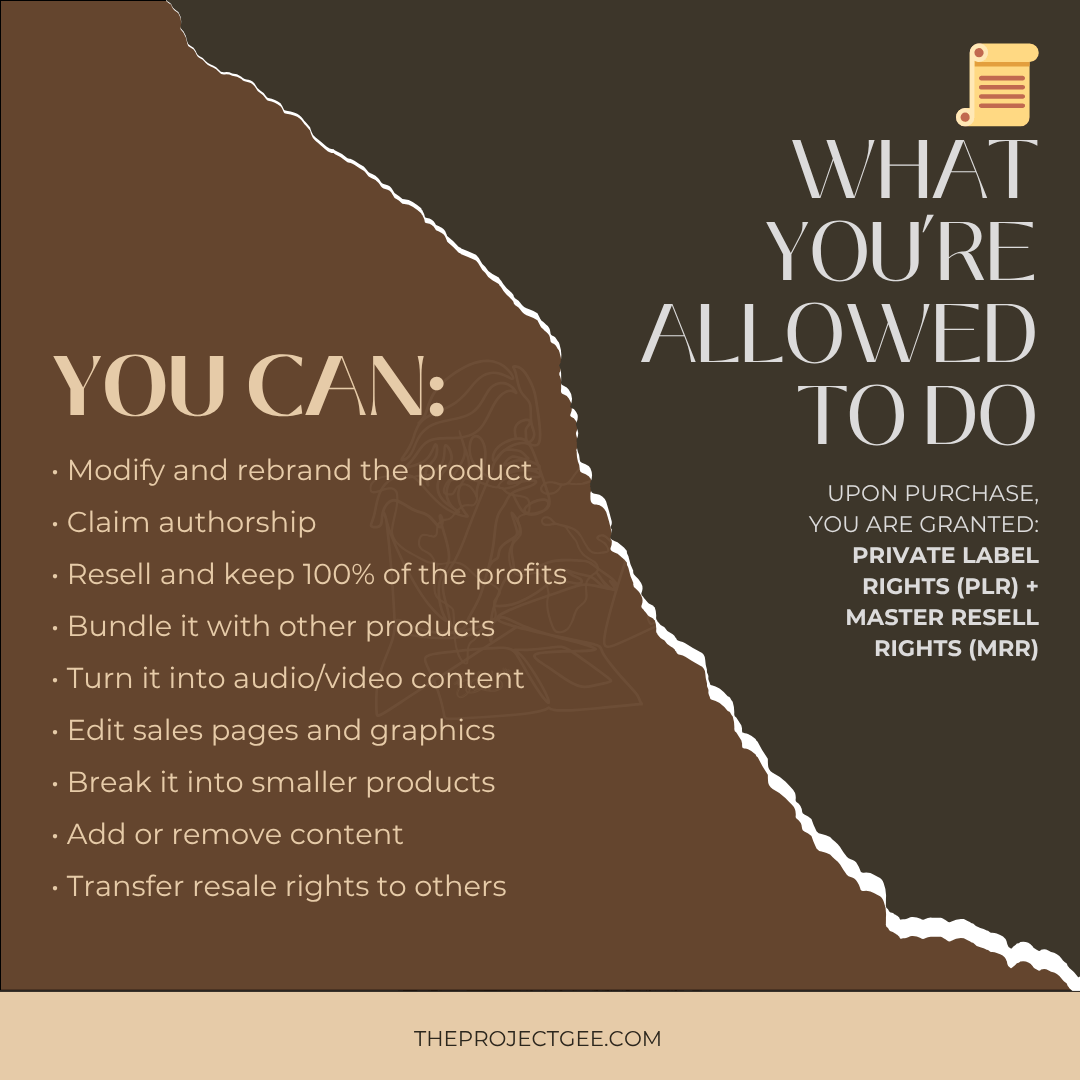
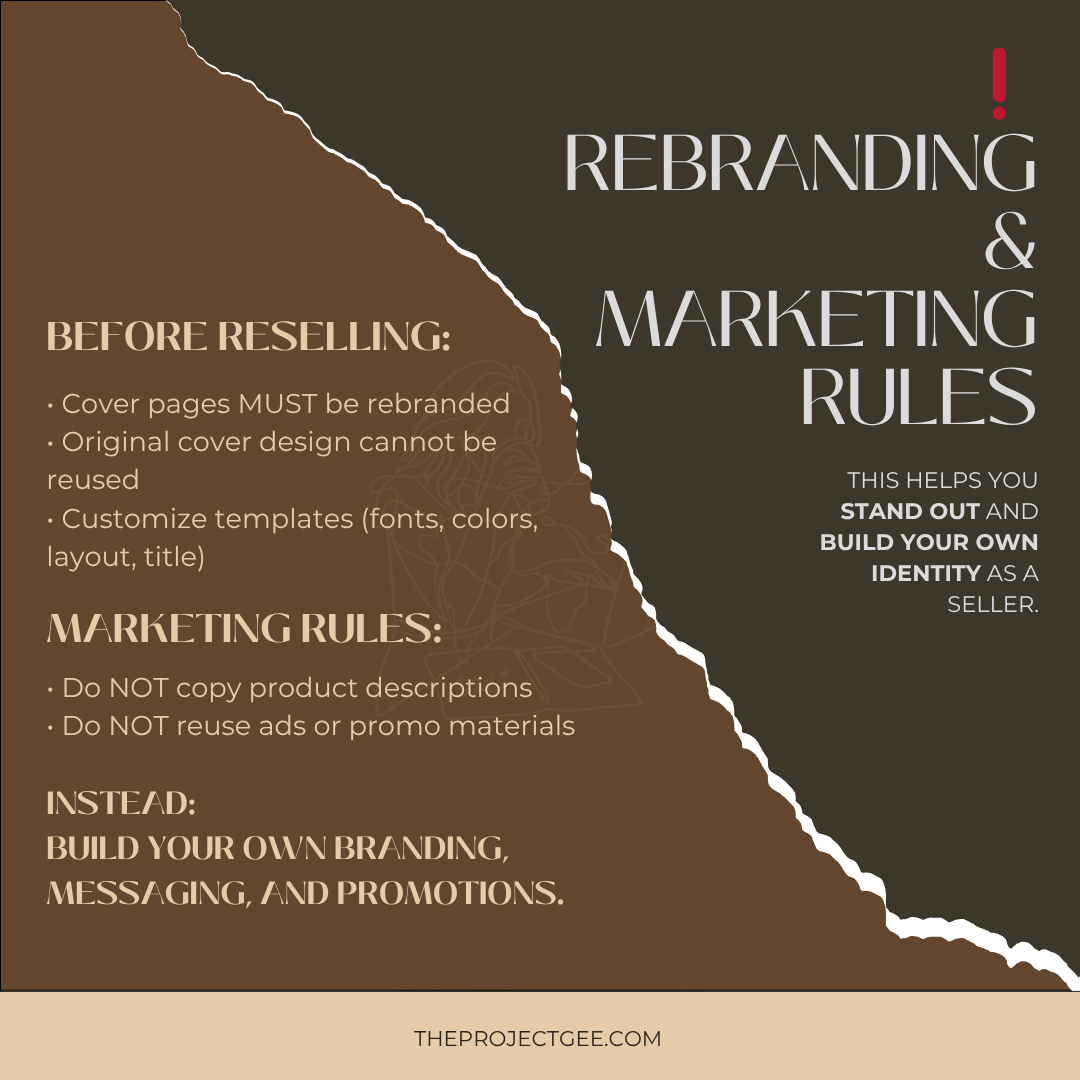
Edit all cover designs to match your own branding (colors, fonts, style).
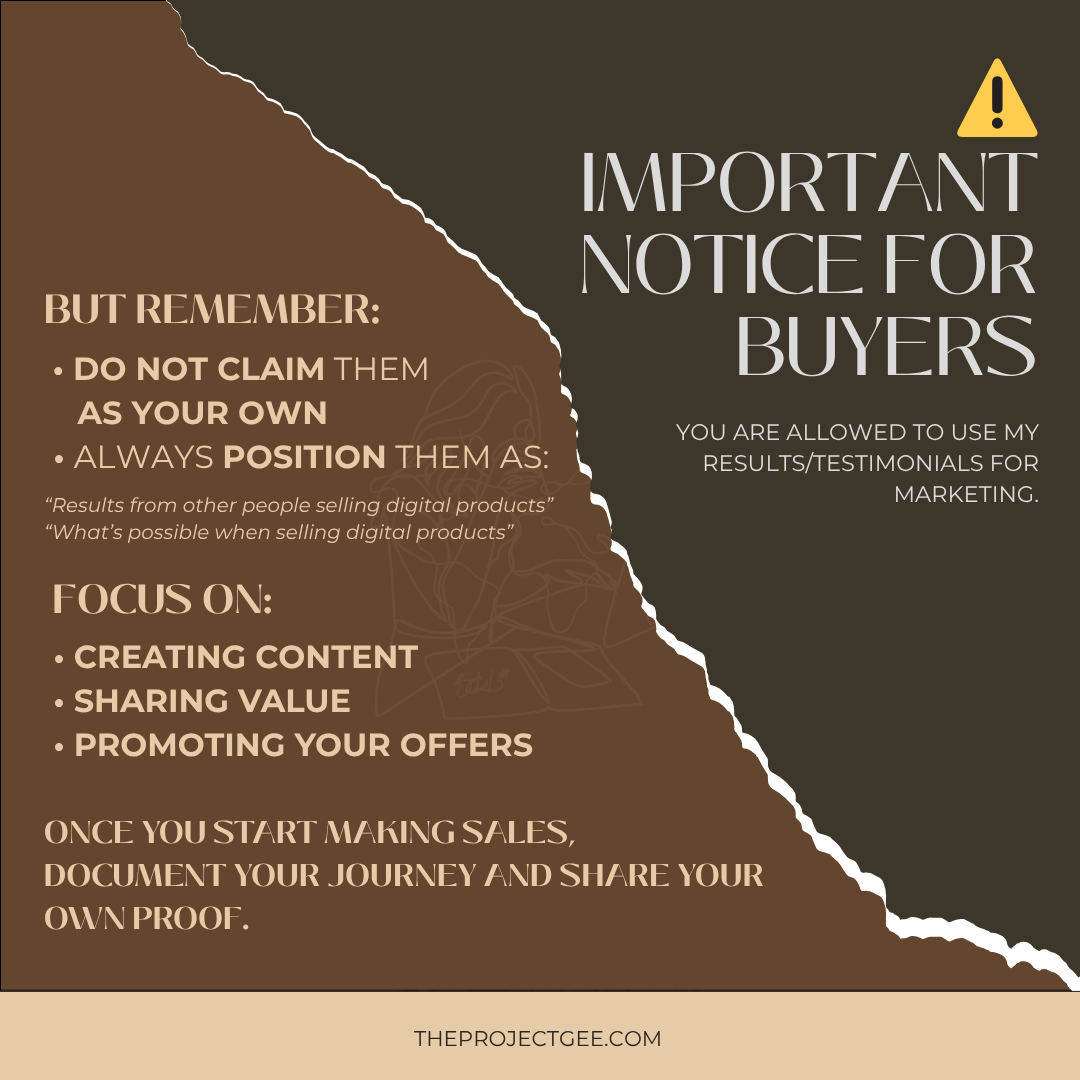
📌 Important: Do not copy or reuse the original branding, except for the Master Library which should remain unchanged.
Begin creating content daily and position yourself as a digital product seller.
You can access the
🔗 FREE 600+ Aesthetic Faceless Reels
to help you get started.
Consistency here = visibility = sales.
You’re free to resell at your own price.
📌 Recommended pricing:
₱2,000 and above to position your offer as high-value.
Use the
🔗 4-Step Sales Pitch
provided to turn inquiries into actual sales.
📌 Note: This is for your personal use only and should not be resold or shared
FIVE:
🚀 START LEARNING NOW
✨ Click each button below to access your materials.
✨ For Canva files, click “Use Template for New Design” so it saves directly to your own Canva account.
✨Once saved, feel free to tweak, edit, and rebrand everything to match your style.